SDK Setup
Install the SDK
bash
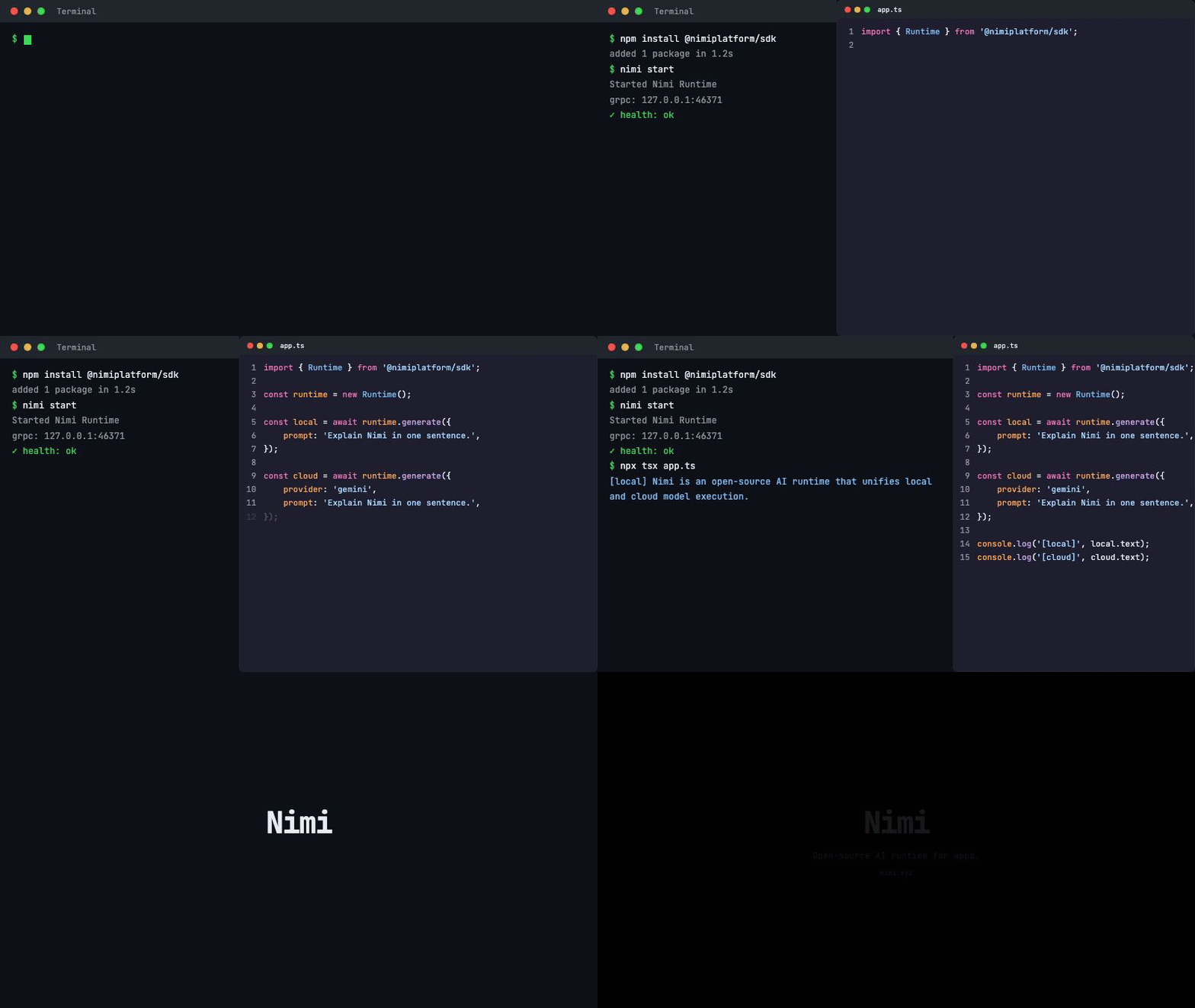
npm install @nimiplatform/sdkFirst Local Generation
Create a file (for example hello.ts) and run it with npx tsx hello.ts:
ts
import { Runtime } from '@nimiplatform/sdk/runtime';

const runtime = new Runtime();
const result = await runtime.generate({
  prompt: 'Explain Nimi in one sentence.',
});
console.log(result.text);
This calls the local runtime. No API keys, no network -- the model runs on your machine.
Switch to Cloud
Keep the same code structure and add a provider field:
ts
const result = await runtime.generate({
  provider: 'gemini',
  prompt: 'Explain Nimi in one sentence.',
});
The SDK handles authentication and routing. Configure provider keys through nimi provider set or environment variables.
Example Ladder
Run the bundled examples in order to explore progressively more advanced patterns:
bash
npx tsx examples/sdk/01-hello.ts
npx tsx examples/sdk/02-streaming.ts
npx tsx examples/sdk/03-local-vs-cloud.ts
npx tsx examples/sdk/04-vercel-ai-sdk.ts
Next Steps
- App Developer Guide -- Integration patterns and scaffold
- Recipes -- Runnable building blocks